
Project Time Tracking Software
Track work hours, activity, and reports by project.
See how much time each project actually consumes
WHM helps teams assign projects, track project-wise hours, review activity context, approve timesheets or offline time, and generate reports for billing, payroll, and delivery reviews.
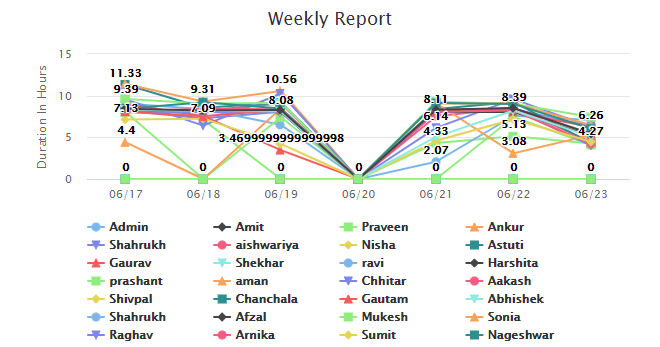
Project Assignment
Assign users to projects and review project status from admin and employee views.
Time and Activity
Connect project hours with screenshots, applications, websites, and work notes.
Reports
Use project-wise reports for cost review, client billing support, and resource planning.
Know which projects consume time and cost
Project tracking becomes more useful when work hours are supported by activity context. WHM helps teams understand project effort, validate billable work, and spot where delivery time is being spent.
Useful for
- IT companies tracking development, QA, support, and maintenance work.
- Agencies validating client project hours and freelancer work.
- Small businesses reviewing customer support and operations time.
- Managers comparing planned effort with actual work-hour records.
What WHM adds to project reports
- Assigned user and project-wise activity visibility.
- Timesheet, offline time, screenshot, app, and website context.
- Hourly cost visibility for project and user reporting areas.
- Downloadable reports for review and billing support.
Project Time Tracking FAQs
Can WHM track time by project?
Yes. WHM supports project assignment and project activity reports so teams can review hours by project.
Can WHM help with client billing?
Yes. Project reports, screenshots, and activity context can support billing reviews and freelancer or agency reporting.
Does WHM show project cost?
WHM has hourly cost visibility in existing project and user reporting areas, which can support cost review.